Best Practices for Using Magic Eraser on High-Touch Console Areas
2026-01-05
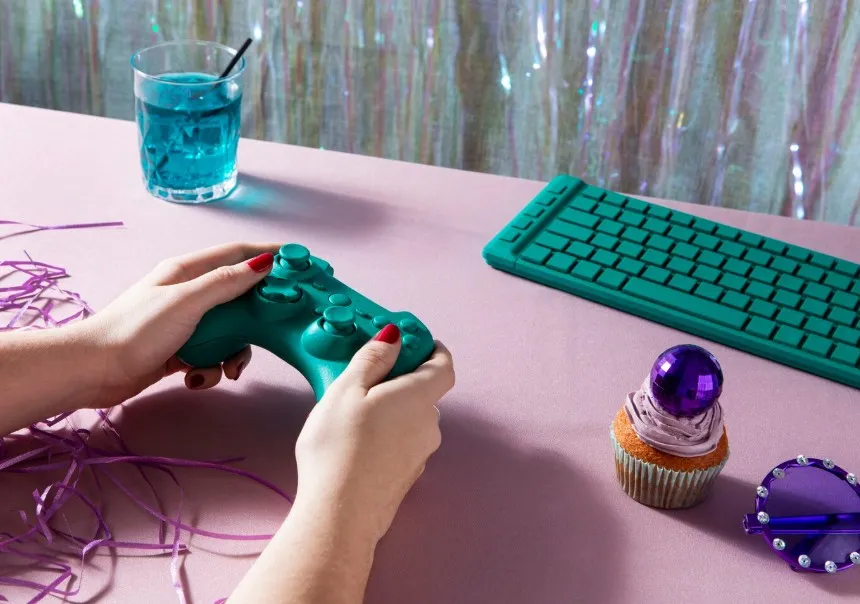
Keeping your gaming console clean matters a lot for looks and health reasons. Areas like controllers and console tops get touched often, so they pick up hand oils, dust, and dirt easily. Regular cleaners might miss small spots or rough spots, but melamine foam, often called Magic Eraser, works well and stays gentle on surfaces.
If you want pro-level tools for your cleaning habits, check out FoamTech. This top maker focuses on melamine foam tech. They handle research, growth, and making of green polymer nanoscale melamine foam. With more than 30 invention patents and strong sales worldwide, FoamTech gives custom options via private label and OEM work. Their modern German lines and focus on new ideas make them a solid choice for strong cleaning in many fields.
High-Touch Console Areas and Cleaning Challenges
Surfaces on consoles that get touched a lot need extra care because of daily use. These spots catch more dirt, and they can wear down if you skip good upkeep.
Identifying High-Contact Surfaces on Game Consoles
Typical high-touch spots cover controller handles, buttons, joysticks, and front panels on consoles. Hand oils blend with dust and floating bits, forming sticky buildup that looks bad and affects how they feel. Since these parts often have rough or plastic coatings, you need tools that scrub softly but get the job done, so the surfaces stay intact.
Risks Associated with Improper Cleaning Techniques
Wrong cleaners or tools can harm your gear. Strong chemicals might eat away at plastic covers and labels, and rough pads could scratch or fade the shine. Plus, too much water might seep inside and mess with electronics, so picking the right way to clean is key.
Why Magic Erasers Are Effective for Console Detailing
Magic Erasers from melamine foam fit this job perfectly because they clean by action, not bad chemicals.
The Science Behind Melamine Foam Technology
Melamine foam scrubs like tiny pads that pull up grime without tough stuff. Its open-cell setup lets it reach into bumpy areas and grab stuck dirt. It clears the SVHC substance test under EU REACH rules and skips bad items like formaldehyde and phthalates, so it's safe for long jobs.
Advantages of FoamTech’s Melamine-Based Solutions
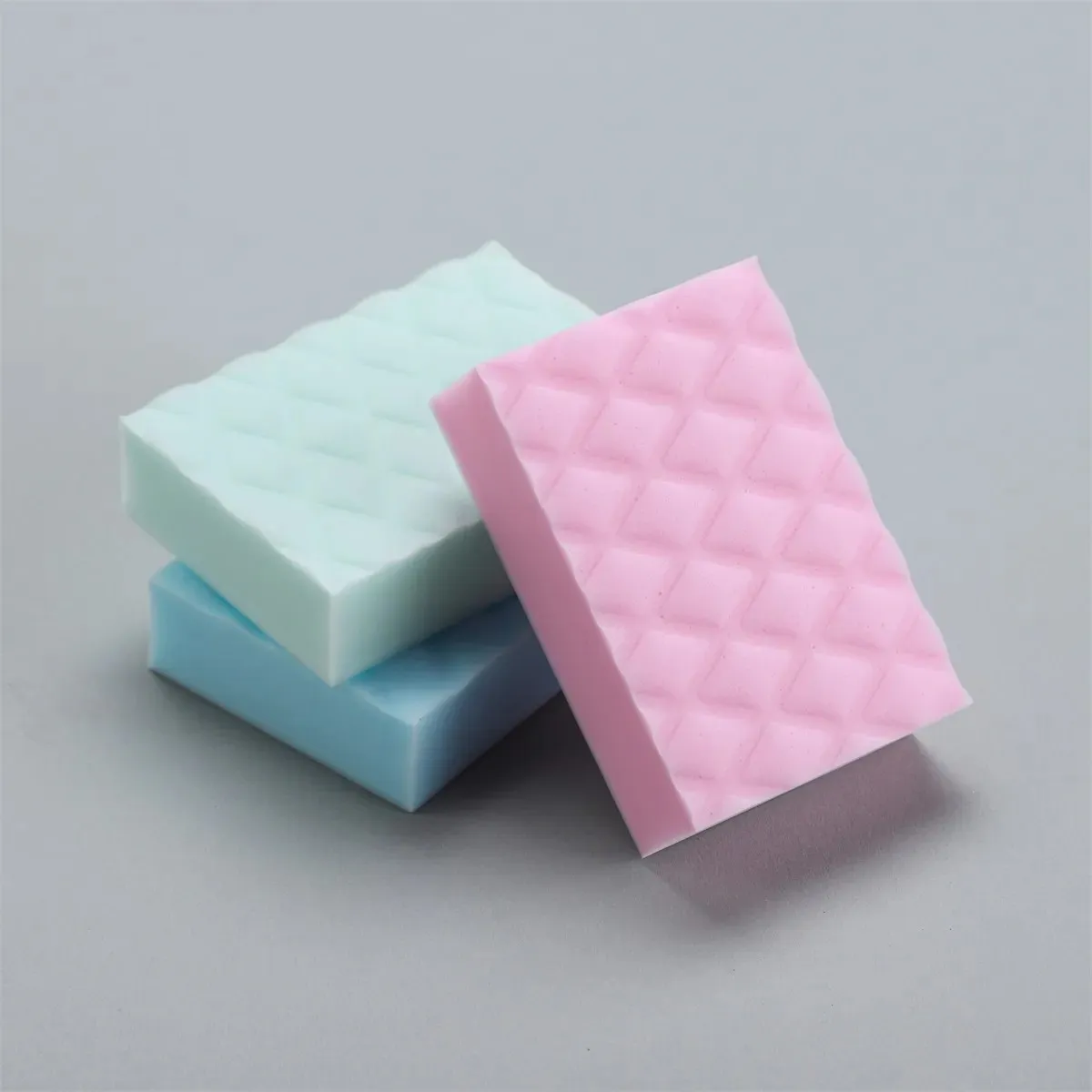
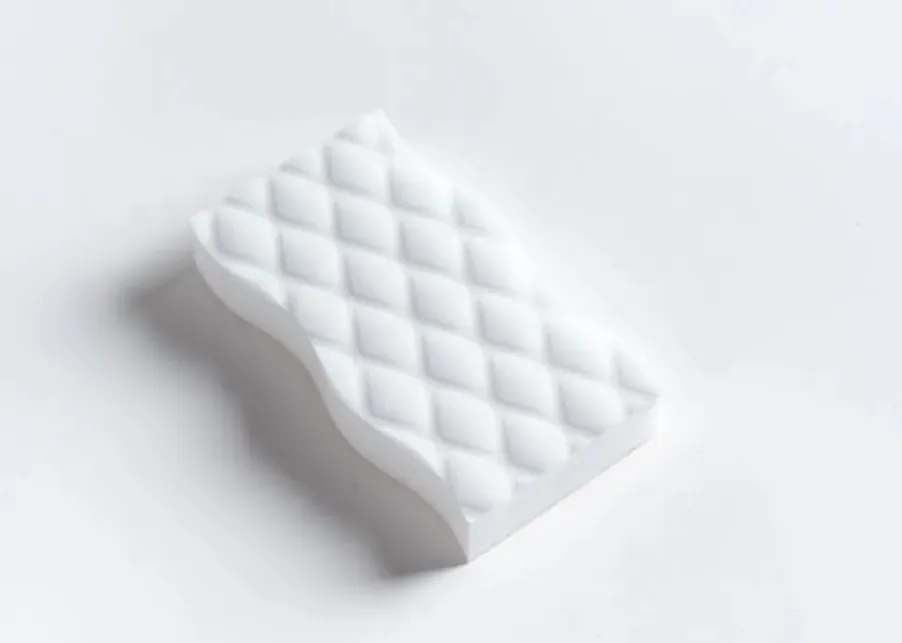
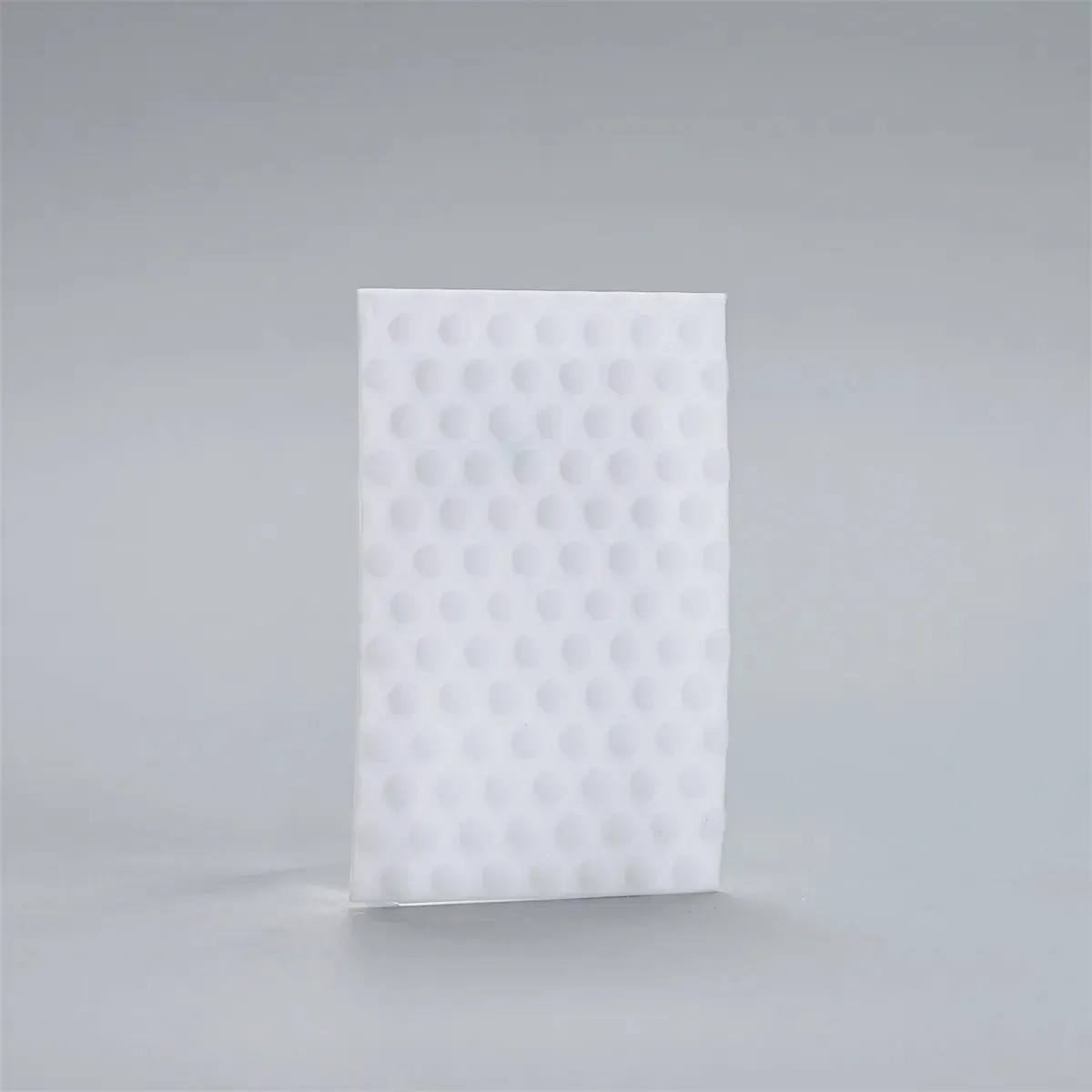
FoamTech has several picks made for close console work. The Colored Embossed Melamine Foam Sponge adds better hold with pressed designs and vivid shades, so you spot it easily while working. For heavy dirt, the Embossed Melamine Sponge uses bumpy patterns to boost scrubbing power on dirty spots. In narrow bends or detailed edges, the Melamine Sponge Cleaning Sheet shines with its slim, bendy shape.
Preparing the Console for Cleaning with a Magic Eraser
Get set up right before starting, and you'll keep things safe while getting the best outcome. This avoids extra harm and helps the sponge last longer.
Pre-Cleaning Steps to Ensure Safety and Effectiveness
Turn off the console power and unplug everything first. Wipe away loose dust with a dry microfiber cloth. Don't add too much water to melamine foam, since it works best with just a bit. Steps: Dip the sponge in water; Squeeze out extra gently; Wipe the spot; Rinse it after and use again.
Selecting the Appropriate FoamTech Product Based on Surface Type
Pick the best tool for each console part, and you'll clean well without hurting the look or feel.
For Flat Plastic Surfaces (e.g., console body)
Go with the Colored Embossed Melamine Foam Sponge. Its pressed side clears dirt fast, and the colors help you see what you're doing.
For Textured or Patterned Areas (e.g., controller grips)
The Embossed Melamine Sponge handles this well, as its raised design digs in deeper for better contact.
For Tight Spaces (e.g., button edges, ventilation slots)
Try the Melamine Sponge Cleaning Sheet, which you can trim or fold to fit snug spots just right.
Best Practices When Using Magic Erasers on Gaming Consoles
Use the right methods, and you'll guard your device while making it spotless.
Proper Application Techniques to Avoid Surface Damage
Wet the sponge lightly, not fully. Rub in soft circles, not hard back-and-forth. Test it on a spot no one sees first. These sponges hold up well and can be shaped as needed, so they fit different surfaces without losing form.
Frequency of Cleaning High-Touch Areas Without Causing Wear
Clean those busy spots every week or two, based on how much you play. Check them often to make sure labels don't fade or peel from regular care.
Maintaining Long-Term Hygiene and Console Aesthetics with FoamTech Products
Stick to a steady cleaning plan, and your device will stay fresh and good-looking.
Incorporating Magic Eraser Use into Regular Maintenance Routines
Pair the melamine sponge work with light dusting from a microfiber cloth for top results. Rinse the sponge fully after each go and keep it dry when stored. Wipe the console dry right after to stop any mold, which helps the tool last longer.
Benefits of Choosing FoamTech as a Long-Term Cleaning Partner
FoamTech runs as a high-tech firm that covers research, growth, making, and selling of green polymer nanoscale melamine foam. Their items build for strength and ease, with features like bumpy textures that cut down on hand strain in long sessions. Also, steady quality means they perform well every time you use them.
FAQ
Q1: Can a Magic Eraser be used on all parts of a gaming console?
A: Yes, but different areas require different sponge types for safe and effective cleaning.
Q2: Will melamine foam damage my console’s labels or finishes?
A: Not when used correctly. Always dampen lightly and avoid vigorous scrubbing.
Q3: How often should I clean my controller grips?
A: Every 1–2 weeks depending on how frequently you use them.
Q4: Is it safe to use water with a melamine sponge?
A: Yes, but only minimal water is needed—do not soak the sponge.
Q5: Where can I purchase professional-grade melamine sponges?
A: You can source directly from FoamTech’s official website, which offers detailed specifications and customization options.
Keeping your gaming console clean matters a lot for looks and health reasons. Areas like controllers and console tops get touched often, so they pick up hand oils, dust, and dirt easily. Regular cleaners might miss small spots or rough spots, but melamine foam, often called Magic Eraser, works well and stays gentle on surfaces.
If you want pro-level tools for your cleaning habits, check out FoamTech. This top maker focuses on melamine foam tech. They handle research, growth, and making of green polymer nanoscale melamine foam. With more than 30 invention patents and strong sales worldwide, FoamTech gives custom options via private label and OEM work. Their modern German lines and focus on new ideas make them a solid choice for strong cleaning in many fields.
High-Touch Console Areas and Cleaning Challenges
Surfaces on consoles that get touched a lot need extra care because of daily use. These spots catch more dirt, and they can wear down if you skip good upkeep.
Identifying High-Contact Surfaces on Game Consoles
Typical high-touch spots cover controller handles, buttons, joysticks, and front panels on consoles. Hand oils blend with dust and floating bits, forming sticky buildup that looks bad and affects how they feel. Since these parts often have rough or plastic coatings, you need tools that scrub softly but get the job done, so the surfaces stay intact.
Risks Associated with Improper Cleaning Techniques
Wrong cleaners or tools can harm your gear. Strong chemicals might eat away at plastic covers and labels, and rough pads could scratch or fade the shine. Plus, too much water might seep inside and mess with electronics, so picking the right way to clean is key.
Why Magic Erasers Are Effective for Console Detailing
Magic Erasers from melamine foam fit this job perfectly because they clean by action, not bad chemicals.
The Science Behind Melamine Foam Technology
Melamine foam scrubs like tiny pads that pull up grime without tough stuff. Its open-cell setup lets it reach into bumpy areas and grab stuck dirt. It clears the SVHC substance test under EU REACH rules and skips bad items like formaldehyde and phthalates, so it's safe for long jobs.
Advantages of FoamTech’s Melamine-Based Solutions
FoamTech has several picks made for close console work. The Colored Embossed Melamine Foam Sponge adds better hold with pressed designs and vivid shades, so you spot it easily while working. For heavy dirt, the Embossed Melamine Sponge uses bumpy patterns to boost scrubbing power on dirty spots. In narrow bends or detailed edges, the Melamine Sponge Cleaning Sheet shines with its slim, bendy shape.
Preparing the Console for Cleaning with a Magic Eraser
Get set up right before starting, and you'll keep things safe while getting the best outcome. This avoids extra harm and helps the sponge last longer.
Pre-Cleaning Steps to Ensure Safety and Effectiveness
Turn off the console power and unplug everything first. Wipe away loose dust with a dry microfiber cloth. Don't add too much water to melamine foam, since it works best with just a bit. Steps: Dip the sponge in water; Squeeze out extra gently; Wipe the spot; Rinse it after and use again.
Selecting the Appropriate FoamTech Product Based on Surface Type
Pick the best tool for each console part, and you'll clean well without hurting the look or feel.
For Flat Plastic Surfaces (e.g., console body)
Go with the Colored Embossed Melamine Foam Sponge. Its pressed side clears dirt fast, and the colors help you see what you're doing.
For Textured or Patterned Areas (e.g., controller grips)
The Embossed Melamine Sponge handles this well, as its raised design digs in deeper for better contact.
For Tight Spaces (e.g., button edges, ventilation slots)
Try the Melamine Sponge Cleaning Sheet, which you can trim or fold to fit snug spots just right.
Best Practices When Using Magic Erasers on Gaming Consoles
Use the right methods, and you'll guard your device while making it spotless.
Proper Application Techniques to Avoid Surface Damage
Wet the sponge lightly, not fully. Rub in soft circles, not hard back-and-forth. Test it on a spot no one sees first. These sponges hold up well and can be shaped as needed, so they fit different surfaces without losing form.
Frequency of Cleaning High-Touch Areas Without Causing Wear
Clean those busy spots every week or two, based on how much you play. Check them often to make sure labels don't fade or peel from regular care.
Maintaining Long-Term Hygiene and Console Aesthetics with FoamTech Products
Stick to a steady cleaning plan, and your device will stay fresh and good-looking.
Incorporating Magic Eraser Use into Regular Maintenance Routines
Pair the melamine sponge work with light dusting from a microfiber cloth for top results. Rinse the sponge fully after each go and keep it dry when stored. Wipe the console dry right after to stop any mold, which helps the tool last longer.
Benefits of Choosing FoamTech as a Long-Term Cleaning Partner
FoamTech runs as a high-tech firm that covers research, growth, making, and selling of green polymer nanoscale melamine foam. Their items build for strength and ease, with features like bumpy textures that cut down on hand strain in long sessions. Also, steady quality means they perform well every time you use them.
FAQ
Q1: Can a Magic Eraser be used on all parts of a gaming console?
A: Yes, but different areas require different sponge types for safe and effective cleaning.
Q2: Will melamine foam damage my console’s labels or finishes?
A: Not when used correctly. Always dampen lightly and avoid vigorous scrubbing.
Q3: How often should I clean my controller grips?
A: Every 1–2 weeks depending on how frequently you use them.
Q4: Is it safe to use water with a melamine sponge?
A: Yes, but only minimal water is needed—do not soak the sponge.
Q5: Where can I purchase professional-grade melamine sponges?
A: You can source directly from FoamTech’s official website, which offers detailed specifications and customization options.
Related Recommendations


Family owned company, globalleader in development andmanufacturing of home careproducts for private label andcontract manufacturing
Copyright © 2026 FoamTech (Zhejiang) New Materials Co., Ltd.